Spring Hill KS, 66083

  dovewebconsulting@gmail.com

Do You Really Need a New Website?


A Plain-Language Decision Guide for Long-Standing Businesses 

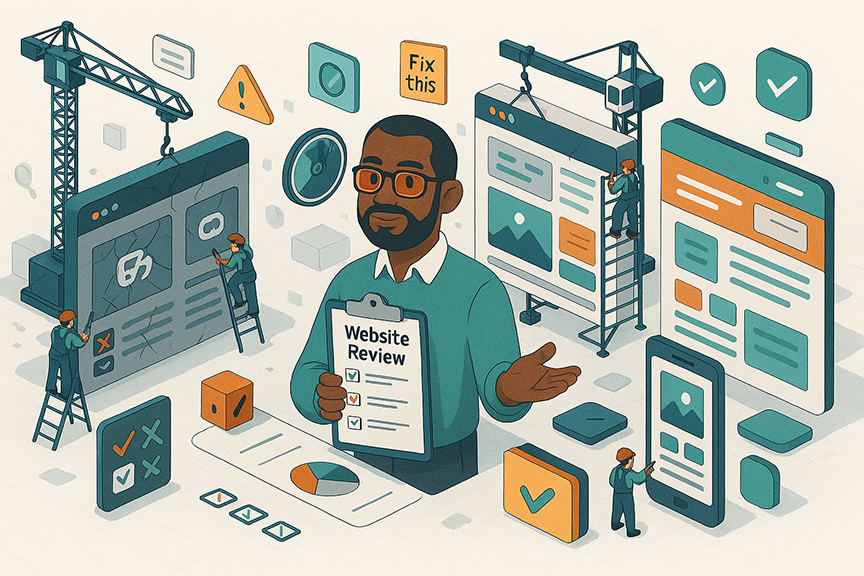
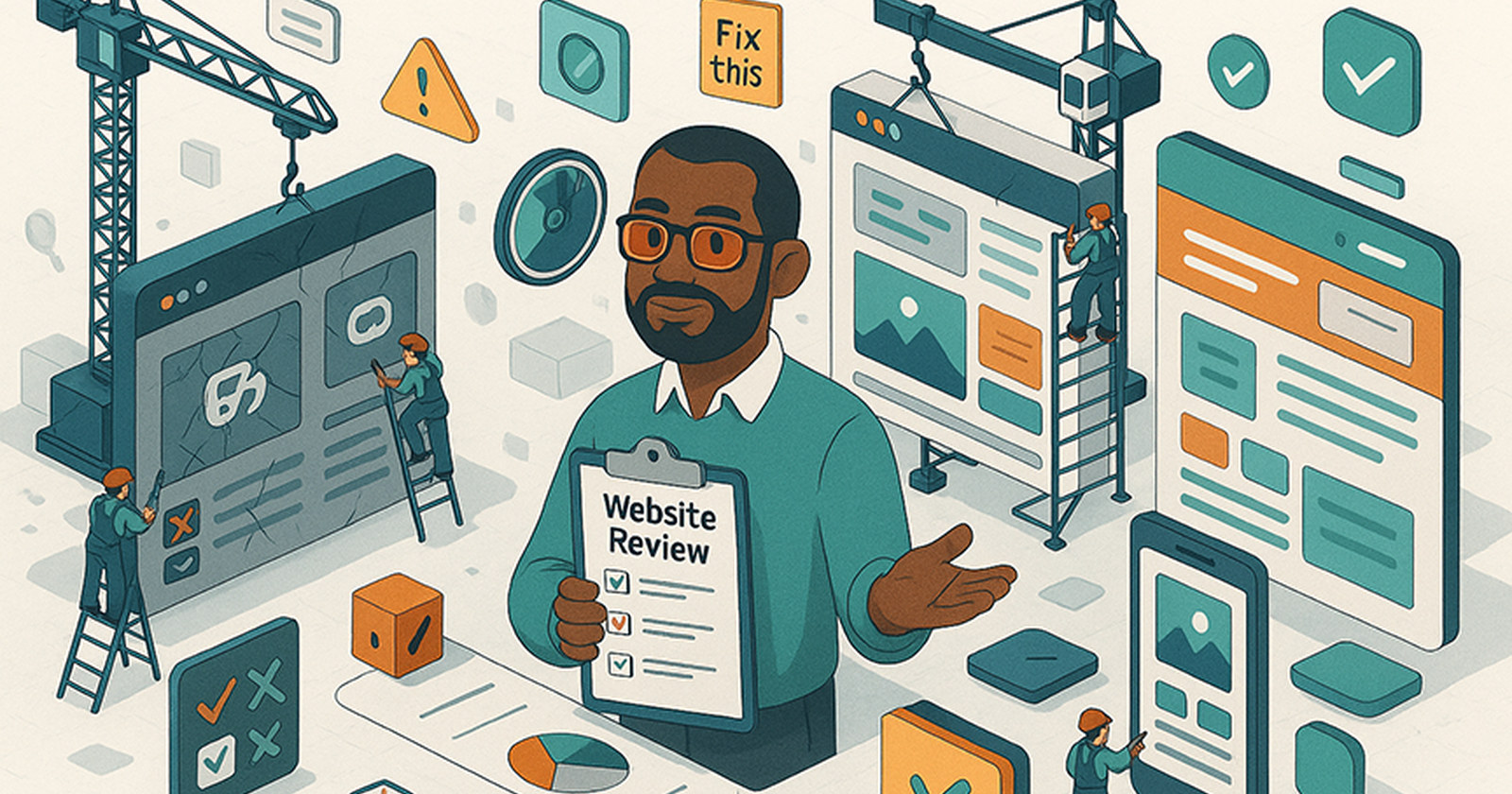
Consultant holding a website review checklist beside browser windows under construction


If you’ve been in business 10, 20, or 30+ years, you’ve probably heard at least one person say:

“You just need a whole new website.”


Sometimes they’re right. Sometimes they’re trying to sell you something expensive you don’t actually need. This guide is written for owners like you:

  • You’re proud of the business you’ve built.
  • You suspect your website is holding you back, but you don’t speak “web.”
  • You want straight talk, not scare tactics.


By the end of this guide, you’ll know:

  • When a tune-up is enough 🧰
  • When a full rebuild is the smarter long-term investment 🏗
  • What real research says about speed, leads, and technical debt
  • How to get a Plain-Language Website Review so you’re not guessing


Three Big Reasons People Think They Need a New Website 💭

Business owner reviewing website problems: warning icons, a broken link, and zero leads

When long-standing business owners call me about a “new site,” the issue usually falls into one of three buckets.


1. “It looks old.”

You know the signs:

  • Tiny fonts, cramped layouts
  • Dated stock photos
  • Colors that feel like they came with Windows 95
  • Everything shouting, nothing guiding the eye


Why it matters

Multiple studies confirm that first impressions are brutally fast and heavily visual:

📌 Adobe, The State of Content: Expectations on the Rise (October 2015, 2,008 U.S. consumers):
When content is unattractive in its layout or imagery, 38% of people stop engaging with it altogether and another 35% switch to a different device to get away from it.


📌 Adobe Consumer Content Survey (2018, 1,011 U.S. adults):
Asked what matters most for a good experience with a brand’s content, the top answer was that it displays well on the device they are using, at 75%. Beautiful layout and imagery came seventh. Adobe also found that two thirds or more of people say these annoyances are enough to make them abandon a cart.


📌 Stanford Persuasive Technology Lab, peer reviewed (Fogg et al., 2003):
2,684 people were asked to judge the credibility of live websites and say why. The look of the design was the single most mentioned factor, turning up in 46.1% of their comments, ahead of the information itself. The lab’s own guidelines put it plainly: people quickly evaluate a site by visual design alone, and typographical errors and broken links hurt credibility more than most people imagine.


If your business runs on reputation, poor design quietly eats away at trust.


2. “It doesn't really work.”

These problems often come up:

  • Contact form submissions don’t arrive
  • Buttons don’t work on phones
  • Pages load halfway or throw errors
  • Updating anything feels like rewiring an old building


These aren’t just quirks; they represent lost leads, and customers seldom express dissatisfaction. They simply leave.


3. "We're not getting any leads from it."

This is usually the most painful sign.

Traffic comes in but:

  • No calls
  • No form submissions
  • No quote requests
  • People say “I checked your site,” and then do nothing


What the data shows

Conversion studies across millions of pageviews show:

📌 Portent, Site Speed and Conversion Rate:
Ecommerce conversion rate by load time: 3.05% at one second, 1.68% at two seconds, 1.12% at three, 0.67% at four. Conversion rate falls by an average of 0.3 points for every additional second.


📌 Akamai and SOASTA, State of Online Retail Performance (2017):
A two second delay in page load time increased bounce rates by 103 percent, measured across roughly 10 billion user visits.

So not getting leads is rarely a problem caused solely by marketing; it’s usually a combination of clarity, speed, and trust working against you.


When a Tune-Up Is Enough (No full rebuild needed)

Website tune-up scene with a speed gauge and workers refreshing an existing site

Many long-standing business websites do not need to be torn down.
 They need a smart, targeted refresh.
You might be a tune-up candidate if:
✔️ Your services and contact info are mostly accurate
 ✔️ You (or someone you trust) can update content without panic
 ✔️ Your basic site structure still makes sense
 ✔️ The site isn’t fast, but it’s not catastrophically slow
 ✔️ You don’t have deep plugin or security issues


If that’s you, a tune-up usually includes:


1. Visual Refresh

  • Modernizing fonts, spacing, and colors

  • Replacing dated photos

  • Improving readability


2. Clarity & Copy

  • Rewriting key pages in plain language

  • Tightening service descriptions

  • Strengthening calls-to-action (“Request a Quote,” “Call Now”)


3. Usability Fixes

  • Simplifying menus
  • Making buttons clearer
  • Ensuring actions are obvious


4. Basic Performance Improvements

  • Compressing images

  • Removing unused plugins

  • Cleaning up scripts

Think of it as new fixtures, better lighting, patched drafts, not tearing down walls.

  •  

When a Full Rebuild Is the Better Investment 

Website rebuild illustration: a crane lifting an outdated page while a new site is built

Sometimes a tune-up is like using duct tape on a cracked pipe; it may “work” until it no longer does. The following four conditions often indicate that rebuilding is more cost-effective than repairing. Here, we delve deeper with real data.


1. The Platform Is Holding You Hostage

This is the biggest reason long-standing businesses rebuild. Signs:

  • Your site uses end-of-life software
  • Updating breaks things
  • Plugins conflict constantly
  • Your staff is afraid to touch anything
  • Your theme or builder is no longer supported

This is classic technical debt:


📌 Better Scientific Software (BSSw.io), on technical debt:
“A technical debt is like a promissory note for a future development effort that should have been done today, but wasn’t for the sake of expediency.”

📌 vFunction, Microservices, Monoliths, and the Battle Against $1.52 Trillion in Technical Debt: 

A survey of 1,000 engineering and development leaders put the cost of technical debt at $1.52 trillion.

Every hour your developer spends untangling old code is a bill you pay.

At some point, it’s cheaper to replace the plumbing than keep patching leaks.


2. Performance Is Costing You Real Money ⚡💸
Speed isn’t a luxury anymore. It’s a trust factor and a conversion factor.
Real numbers from real research
📌 Akamai and SOASTA, mobile (2017):
53 percent of mobile site visitors will leave a page that takes longer than three seconds to load.

  • Akamai Online Retail Performance Report: Milliseconds Are Critical


📌 Portent, Site Speed and Conversion Rate:

 The first few seconds do nearly all the damage.
 Ecommerce conversion runs 3.05% at one second and 0.67% by four, falling an average of 0.3 points per second.


📌 Akamai and SOASTA, online retail (2017):
 A 100 millisecond delay in website load time can hurt conversion rates by 7 percent.


📌 Nielsen Norman Group, response time limits:
 One tenth of a second feels instant. One second keeps a visitor’s train of thought intact. Ten seconds is the limit of anyone’s patience.


If your site takes 6 to 10 seconds to load, speed alone may justify a rebuild because the underlying structure is usually the problem.


3. Your Business Has Outgrown the Structure 📈
This is common for 10 to 30 year old businesses. Signs:

  • You’ve added new services

  • You’ve expanded into new locations

  • Your ideal customers have changed

  • Your site was built for the business you had, not the one you have now


A rebuild lets you:

  • Re-map navigation

  • Fix outdated URL structures

  • Rewrite content for modern customers

  • Align the site with your current sales process


📌 Forbes Advisor, Website Redesign: The Ultimate Guide:
Forbes lists seven signals that it is time to redesign rather than patch: dated design, poor user experience, falling conversion rates, a site that is not mobile friendly, slow load times, weak search visibility, and rebranding. Three or more of those at once is your answer.


4. You’re Drowning in “Usability Debt” 📱
Usability debt = every tiny annoyance users experience that never gets fixed.
Research shows usability issues pile up exponentially over time when they’re not addressed:
📌  U.S. Department of Health and Human Services (Web Design & Usability Guidelines):

User interfaces that evolve without consistent oversight often accumulate inconsistencies and unclear design patterns, which can lead to negative user experiences.

If your site:

  • Confuses customers

  • Requires too many clicks

  • Hides key actions

  • Has inconsistent layouts

…you’re paying for it every day in lost trust and lost sales. A rebuild wipes the slate clean.


Let’s Talk Costs & Timelines (Real-World, Not Vague) ⏱💵

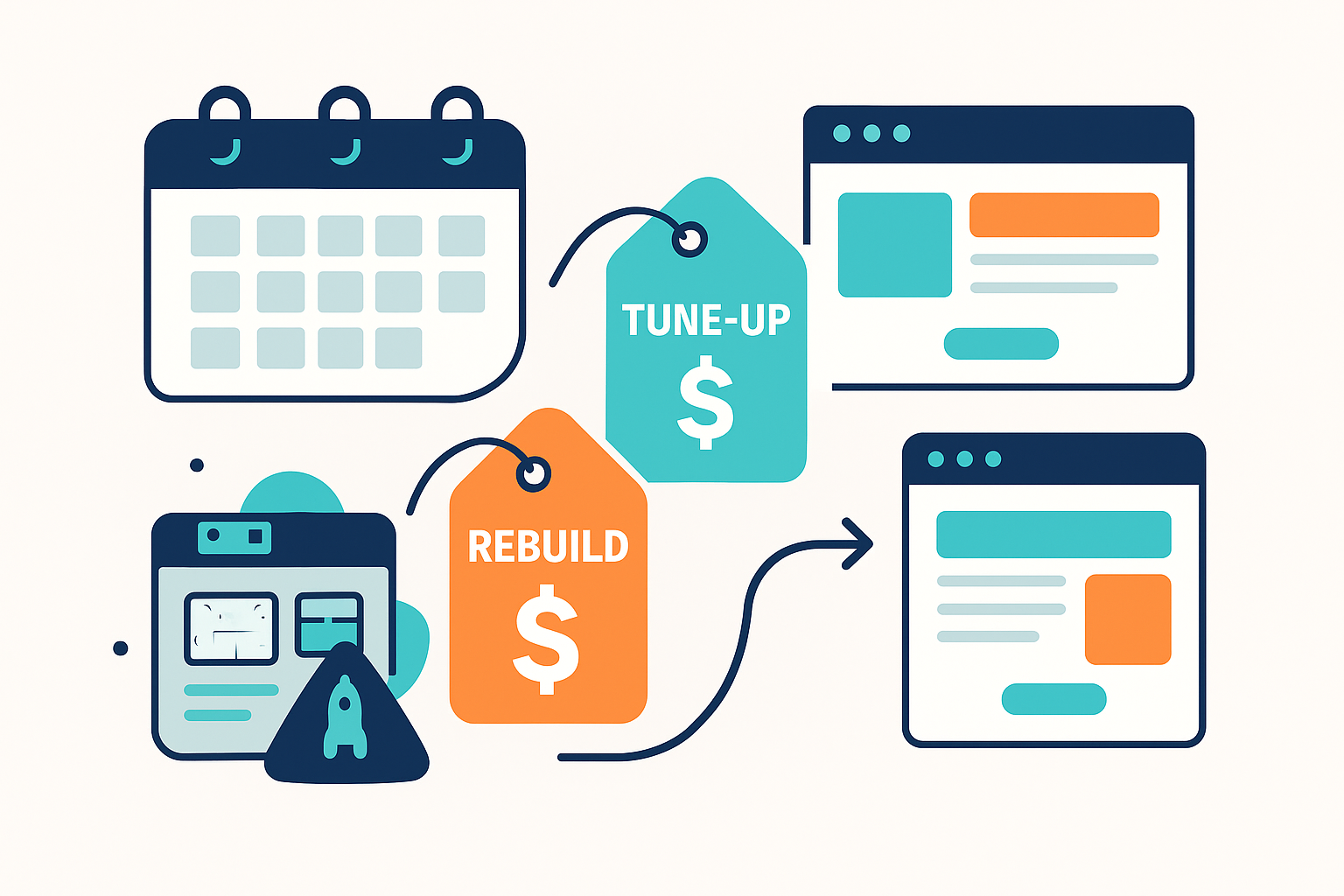
Website redesign cost comparison showing tune-up and rebuild price tags with a project calendar

Instead of “It depends,” let’s talk like business owners. Most long-standing business owners only hear unhelpful ranges like: “A website costs $5,000 to $50,000.” That’s meaningless. Instead, what matters is the relationship between cost, business goals, and risk. Below is the expanded section with real data and examples.


💰 Why Website Costs Vary So Widely (Backed by Research)

Clutch tracks what web design and development firms actually charge, and Forbes Advisor publishes its own ranges. Both are current as of August 2026. Here is how the market compares to what I charge in Kansas City:


Project TypeNational AvgSmall Agency AvgSolo Consultant RangeDove Web KC Pricing

Tune-up

$350-$2,500

$500-$4,000

$300-$2,000

$300-$1,500

Refresh

$3,000-$7,000

$4,000-$12,000

$1,000-$5,000

$1,000-$3,500

Rebuild

$8,000-$25,000

$10,000-$40,000

$2,000-$20,000

$2,000-$4,500

Sources: independent market ranges from Clutch and Forbes Advisor. The right hand column is what Dove Web Consulting actually charges in Kansas City.

What businesses forget:
A rebuild is a capital investment. Not a “marketing expense.” A website lasts about 3 to 5 years before needing major updates. So a $10k rebuild = ~$3k per year amortized. 
That’s cheaper than:

  • truck repairs
  • one month of payroll
  • local print ads
  • software budgets


Path A: Tune-Up / Refresh

Typical: 2 to 6 weeks

What that typically includes:

  • Plain-language site review and action plan
  • Visual refresh (fonts, spacing, colors, basic layout clean-up)
  • Copy polish on key pages (Home, main Services, Contact)
  • Simplified navigation and clearer calls-to-action
  • Basic performance cleanup (image compression, plugin cleanup where possible)
  • Mobile usability fixes on the most important pages
  •  

This is ideal when you like 60 to 70% of what you have, but it’s dated, fuzzy, or underperforming. We keep the bones, improve the experience, and make sure your website doesn’t embarrass you.


Path B: Rebuild

  • Typical: 8 to 14 weeks


What that typically includes:

  • Strategy + architecture session (what you sell, who you serve, what the site needs to do)
  • New site structure and wireframe plan (pages, navigation, calls-to-action)
  • Fresh design aligned with your brand (not agency-level “art project,” but clean, modern, professional)
  • Rebuild on a more stable, maintainable platform (often WordPress with a modern theme / builder)
  • Performance-first build: image handling, caching setup, basic Core Web Vitals sanity checks
  • Migration of existing content (cleaned up and reorganized)
  • Launch checklist (redirects, basic SEO hygiene, analytics hook-up)
  • Short Loom walkthrough or call so you’re not afraid to update your own site


This path makes sense when your current site is fighting you at every turn: updates are brittle, mobile is bad, and the structure no longer matches how you actually do business. The initial investment for a rebuild is higher, but it often reduces maintenance costs, break/fix issues, time to update, and future redesign needs.


Issue

Tune-Up

RefreshRebuild
Minor design age  
Outdated content  
Slow but fixable⚠️ 
Broken Mobile Layout ⚠️
Plugin/theme conflicts ⚠️
Security Vulnerabilities ⚠️
Major business changes ⚠️
Site older than 5 to 7 years⚠️⚠️


The Hidden Cost: Doing Nothing 🧨

Here’s the part most owners never run numbers on.

If your current website is:

Losing even 1 qualified lead per week because people can’t find info, the site is slow, or the form fails…

That’s:

52+ leads per year quietly leaking out

If an average customer is worth $500 to $3,000 over their lifetime:

That’s $26,000 to $150,000+ in potential revenue you’re silently waving goodbye to every year.

Meanwhile, research on technical debt shows it behaves a lot like financial debt:
if you don’t deal with it, the interest piles up. Over time, maintenance takes a bigger and bigger share of your IT and marketing budget, and genuinely valuable projects get delayed or cancelled.

So the real decision isn’t just:

“Do we want to spend $X on a tune-up or $Y on a rebuild?”

It’s also:

“How much is our current website quietly costing us every month we leave it as-is?”

Sometimes a small, focused tune-up is enough to stop the bleeding.
Sometimes a rebuild is the clean break that finally removes years of technical and usability debt.

Either way, running the numbers, not just going with your gut, makes the decision much easier.



Next steps

If you want a straight answer on which path your site needs, the free site analysis is exactly the review described above. Current numbers are on the pricing page, and if a rebuild is the answer, web design and development is the service that does it.

Related reading: Google Analytics vs Webmaster Tools, on why your traffic reports disagree with each other, and the analytics and webmaster tools hub.